Available now · macOS 26+ · Apple Silicon

High-accuracy dictation in 10 languages. Your writing stays on your Mac.

TypeFree uses GPT-4o Transcribe for reliable speech recognition, then keeps cleanup, personal vocabulary, and history local by default. Hold Right-Option, speak, and polished text appears at your cursor.

Download for MacSee how it works
Apple menuMailFileEditView
EN11:42
Hold ⌥ to dictate
aaron@boweninfo.ca
PRO
38 / 100 cloud min this monthresets in 5d
Dictation
Trigger
Hold ⌥ to talk
Locale
English (US)
Output style
Professional
Translate to
English

Hold ⌘ together with your dictation hotkey to translate. Without ⌘, output stays in the source language.

Import
You said

uh can you send the updated onboarding recap and include the two follow up items for monday

TypeFree writes

Please send the updated onboarding recap and include the two follow-up items for Monday.

GPT-4o Transcribe · local cleanup · 1.36s · Copy text
History (213 of 213)
Expand
Please send the updated onboarding recap and include the two follow-up items for Monday.
58 secs. · cloud ASR · local cleanup
So this is for Testing 1. See if you can catch what I said.
1 min, 23 secs. · cloud ASR · local cleanup
Okay, so one question for you. I agree with you, production stable...
23 mins, 4 secs. · cloud ASR · local cleanup
vocab 1,423/15kv0.9.4 (8f35925)
Built forNative macOS 26GPT-4o Transcribe ASRLocal cleanupBilingual auto-detect
Try it without installing

Hold the key. Watch what happens.

Press and hold ⌥ Option on your keyboard — or hold the on-screen key. Release when you're done speaking.

Ready
Hold the key to start
Raw transcript · on your Mac
idle
[ waiting for ⌥ Option ]
GPT-4o transcription · audio processed transiently
New Message
Cleaned text appears here at your cursor.
auto-pasted into the focused app

Hotkey dictation

Hold Right-Option anywhere, speak naturally, and TypeFree pastes cleaned text back into the active app.

Audio Import

Import MP3, M4A, OGG, Opus, QTA, WAV, FLAC, AIFF, or CAF files into a queue, then transcribe, translate, copy, or re-run them.

Translate while dictating

Use Right-Cmd + Right-Opt or the Audio Import translate toggle to clean mixed-language audio into your chosen output language.

This is a guided simulation. The real app uses GPT-4o Transcribe by default; cleanup, history, and the full vocabulary library stay local. Experimental offline ASR, BYOK, and self-hosted cleanup live in Preferences. No microphone access is requested here.

How it works

From thought to clean text
in under two seconds.

One hotkey. Three things happen, all on your Mac.

STEP 01

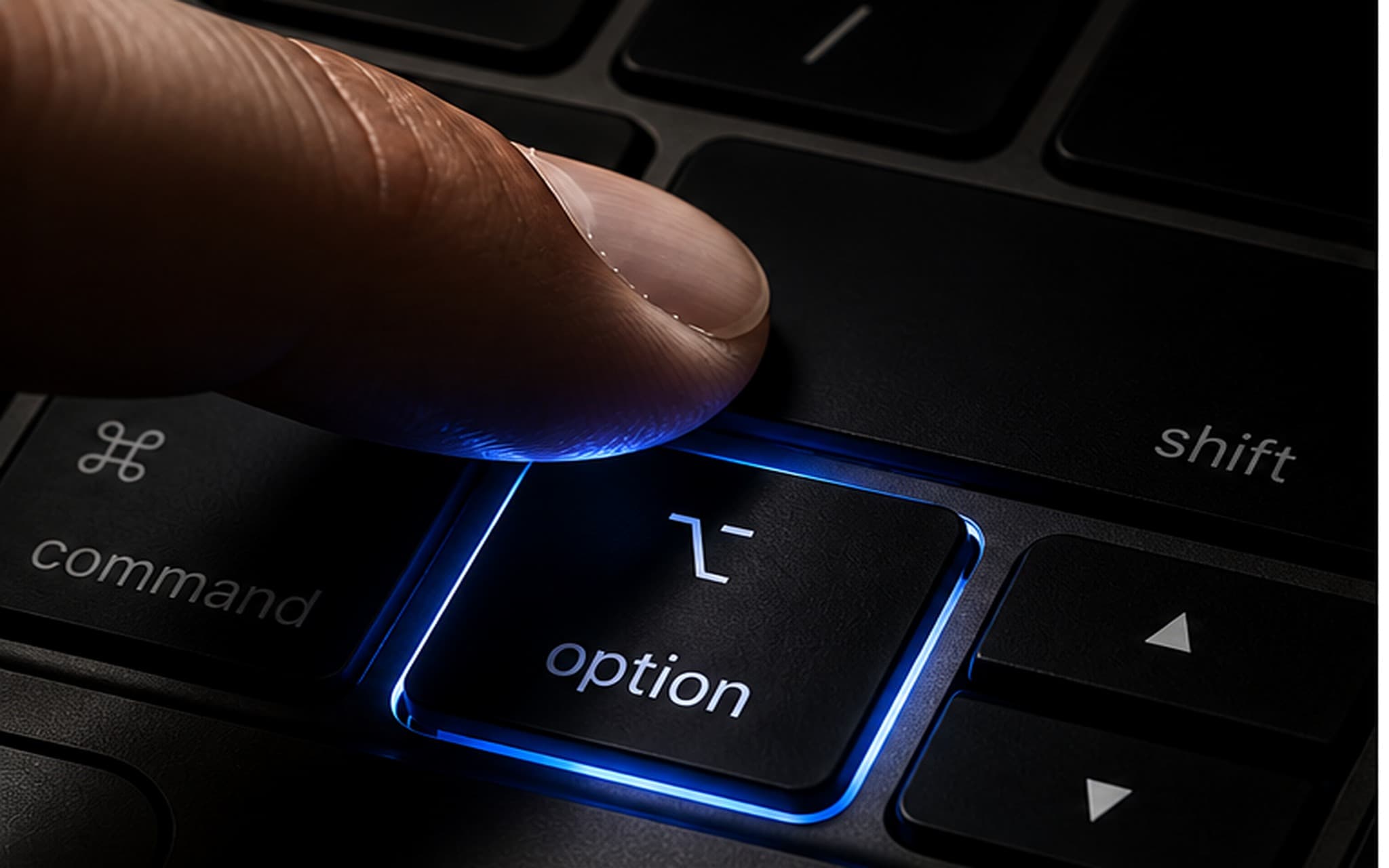
Hold Right-Option.

From any app, any text field. The app you're working in keeps focus — no popups, no window switching. Hold Right-Cmd + Right-Opt to dictate and translate in one pass.
Macro key close up
Raw audio → transcript · on your Mac
"uh so what i'm thinking is we should ship the auth flow first um then the dashboard"
STEP 02

Speak naturally.

Fillers, false starts, no punctuation — it does not matter. Audio is sent over an encrypted connection for GPT-4o transcription and is not stored by TypeFree.

STEP 03

Get clean text at your cursor.

A local cleanup model tightens fillers, adds punctuation, applies your style, and auto-pastes where you were typing. Cloud cleanup remains an explicit option.

New Message
To:sarah@example.com
Subject:Re: Auth flow timeline
I think we should ship the auth flow first, then the dashboard.
It learns from you

The more you use it,
the more accurate it gets.

Every word you dictate goes into a personal vocabulary. After a word appears twice, it's promoted to validated — and TypeFree uses it to bias both the speech engine and the cleanup model toward your language.

Trial → validated.

Project names, jargon, brand spellings, your colleague's name — things generic dictation gets wrong on day one. TypeFree gets them right by week two, on its own, without you teaching it anything explicitly.

Validated words improve recognition and cleanup. The full vocabulary library stays on your Mac; TypeFree sends only a bounded set of relevant terms as decoding context with the audio request, never the full library.

1,423words learned
15kPro cap
local librarynever synced

Personal vocabulary

Auto-built from your dictations. Add jargon manually below to bias the recognizer toward it on the next press.

Clear all
Add a word or phrase...
Filter...
Bellarivia×33 mins, 36 secs.×
Shoppers Smart×214 hrs, 0 mins×
BowenInfo×214 hrs, 0 mins×
can×314 mins, 0 secs.×
not×2725 mins, 30 secs.×
actually×2214 hrs, 45 mins×
bug×2112 hrs, 7 mins×
think×2114 hrs, 38 mins×
vocab 1,423/15kv0.9.4 (8f35925)
What is included

Cloud accuracy for speech.
Local control for your writing.

GPT-4o Transcribe is the reliable default for speech-to-text. Cleanup, history, and the full personal vocabulary library stay on your Mac by default; optional cloud cleanup, BYOK, self-hosted cleanup, and experimental offline ASR remain visible choices.

TRANSCRIPTION

GPT-4o speech recognition

Reliable transcription across 10 languages with bilingual auto-detect, including mixed Chinese and English. Audio is encrypted in transit, processed transiently, and not stored by TypeFree.

runsTypeFree Cloud
networkrequired for ASR
languages10
CLEANUP INCLUDED

Local LLM cleanup

Fillers are removed, punctuation added, and your style applied by a model running locally on supported Macs. Six styles are included. Pro adds custom prompts plus BYOK and self-hosted cleanup.

runson-device
setupnone
retentionlocal by default
PERSONAL

Vocabulary that learns

Names, jargon, and acronyms are stored locally. A bounded relevant slice may be sent as recognition context; the full library is never synced.

storagelocal library
syncnever full-library
promotion2nd use

Built for Apple Silicon.

Runs on any Apple Silicon Mac with macOS 26+. GPT-4o handles speech recognition consistently; 16 GB+ is recommended for local cleanup, while lower-memory Macs can use cloud cleanup.

any Apple Silicon · cloud ASR + local cleanup

The boundaries stay visible.

GPT-4o Transcribe is the default ASR route. Cleanup is independently selectable: local by default on supported Macs, or TypeFree Cloud, BYOK, and self-hosted when you choose them. VibeVoice remains experimental offline ASR only.

clear settings · no silent route changes
Why this architecture

Cloud accuracy.
Local control.

Recent mixed Chinese and English testing showed the local VibeVoice path was not reliable enough to remain the product default. TypeFree now uses GPT-4o Transcribe for final speech recognition while keeping cleanup and personal memory local by default.

GPT-4o
default speech engine

Selected for reliable final transcripts across messy mixed-language dictation.

10
source languages

Including bilingual auto-detect for common mixed-language workflows.

0
TypeFree audio storage

Audio is proxied for transcription and is not persisted on TypeFree servers.

50
max context terms

Only a bounded relevant vocabulary slice accompanies a recognition request.

ASR: reliability first

GPT-4o Transcribe is now the default instead of asking users to absorb local-model accuracy regressions.

Cleanup: local by default

On supported Macs, cleanup, styles, history, and the full vocabulary library remain local and independently controlled.

VibeVoice: experimental only

The offline model remains available for testing and emergencies, but TypeFree no longer downloads or selects it automatically.

Architecture updated July 21, 2026 after a 12-clip mixed-language evaluation. Product defaults prioritize final transcript quality; offline ASR remains explicitly experimental.

New for Pro

Turn audio files into
clean text.

Open the dedicated Audio Import window from the popover, File > Open Audio File, Cmd-O, or macOS Services. Queue recordings, choose source/output/translation, then transcribe and edit raw or cleaned text.

Audio Import
Source
English (US)
Output
Professional
Translate
English
Voice Memo 2026-06-02.m4a
~/Library/Group Containers/.../Recordings
Done
client-recap.ogg
~/Desktop/Audio
Running
sales-notes.opus
~/Downloads
Queued
Voice Memo 2026-06-02.m4a
~/Library/Group Containers/.../Recordings
on-device · TypeFree On-Device
Please send the revised onboarding recap and include the two follow-up items for Monday.
Raw transcript

please send the revised onboarding recap and include the two follow up items for monday

Drop files or pick from Finder
MP3 · M4A · OGG · Opus · QTA · WAV · FLAC · AIFF · CAF

A real import queue.

Add multiple files, cancel queued items, clear finished runs, and re-run a single recording without disturbing live dictation.

Same cleanup controls.

Audio imports use the same Source, Output style, and Translate options as hotkey dictation, so file cleanup matches your daily writing defaults.

Voice Memos-friendly handoff.

The app accepts file URLs and promised files from Finder, Share, Services, and drag-and-drop paths that macOS exposes.

TypeFree should feel like macOS grew a feature.
Hold a key. Speak. Move on.
Free account. No card required. No surprises.

Every detail, in your hands

Made for people who like
their tools tuned right.

Daily dictation controls stay in the popover. Set-once choices, microphone standby, app language, About, and Pro cleanup prompts now live in the Liquid Glass Preferences window.

Typefree Preferences
App
LanguageFollow system language

Takes effect on next launch.

Microphone
StandbySmart (30 s, default)

Smart standby keeps the mic off when idle. Longer windows hold it ready.

Custom cleanup prompts
PROFive classic templates, editable any time
Polished email
Editable cleanup prompt
Meeting notes
Editable cleanup prompt
Code review
Editable cleanup prompt
Executive summary
Editable cleanup prompt
Quick reply
Editable cleanup prompt

Selected in the Output style picker. Up to 5 saved.

About
Versionv0.9.4 (8f35925)
Custom cleanup prompts

Selected in the Output style picker. Up to 5 saved.

Cleanup style
PRO
Professional
Polished email
Meeting notes
Code review
Executive summary
Quick reply

Popover for the session

Trigger, 10-language locale, output style, and translate target stay visible because people change those while dictating.

Preferences for the defaults

App language, mic standby, version info, and Pro prompt management moved out of the daily-use surface.

Pro starts with useful prompts

Instead of an empty template list, Pro users get five editable classics: email, meeting notes, code review, executive summary, and quick reply.

Honest comparison

Cloud-grade speech accuracy with local cleanup and memory.

TypeFreeApple DictationCloud LLM tools (e.g. Wispr)
Cleanup, history, and full vocabulary stay local by defaultmostly
LLM cleanup — punctuation, style, fillers removed
Experimental offline ASR availablepartial
Audio Import for recorded files
10 source languages + bilingual auto-detectpartialpartial
Translate while dictating
Personal vocabulary that learnspartial
Custom cleanup prompts
Native macOS menu-bar app
Privacy

Your voice is processed, not stored.

TypeFree sends audio over TLS to GPT-4o Transcribe for speech recognition. TypeFree does not persist the audio or transcript on its servers; cleanup, history, and the full vocabulary library stay on your Mac by default.

TypeFree cloud speech-recognition flow with local cleanup and optional cleanup routesMicrophone → cloud ASR → local cleanup → cursorMicrophoneaudioGPT-4o TranscribeTLS audio requestno TypeFree storageLocal cleanupraw transcriptno TypeFree storageYour cursorOptional: cloud / BYOK / self-hosted cleanuponly when selected

Cloud ASR by default

Audio is processed transiently through TypeFree and OpenAI for transcription. It is not used to train models and is not stored by TypeFree.

Cleanup stays your choice

Cleanup runs locally on supported Macs by default. TypeFree Cloud, BYOK, and self-hosted cleanup are visible alternatives you choose explicitly.

Your vocabulary library stays local

The full library never syncs. Up to 50 relevant terms may accompany a speech request as decoding context to improve names and jargon.

Your history stays local

Full dictation history stays on your machine, not in TypeFree Cloud.

Built for explicit data control

The app shows which speech and cleanup routes are active, so you can decide whether cloud accuracy, local cleanup, BYOK, or self-hosting fits the work in front of you.

Wall of Love

What our users say.

"Privacy is my top priority as a business owner. I like that normal dictation stays on my Mac, while advanced model routing is something I choose instead of something hidden."

Ryan · Business Owner

"As someone who works with AI daily, I appreciate the technical depth here. The personal vocabulary picks up our internal model names after I say them twice — no glossary upload, no settings panel. It's not just a recorder; it's an AI workflow tool."

James · Director, DeftGPT

"I used to struggle with Typeless because the cleanup was too rigid. This tool is a breath of fresh air. The ability to use an LLM as a 'Cleaner' means my raw dictation gets formatted into perfect bullet points automatically. It saves me hours of editing every week."

Livia · Executive Director

"We handle high-volume communications daily. Long dictation sessions, multiple languages, and the cleanup never wobbles. It's reliable enough for enterprise-level use."

Rajesh · Director, AADIJAGANNATH Group

"Speed is everything in sales. I switched to TypeFree because hold-to-talk is just faster than any toggle UI, and the cleaned output is sharper than what I get from Apple Dictation. It's faster and smarter."

Ethan · Sales Rep, GB Group

"I dictate ideas constantly, and they are usually messy. The 'Output style: Bulletlist' feature is brilliant for organizing my chaotic thoughts into actionable items immediately. I love it more than Typeless because it actually organizes the chaos for me."

Bryan · Director, Jumbo Toys

"The 'Translate to English' feature combined with the LLM cleaner is perfect for us. We often mix languages when brainstorming, and this tool handles the translation and cleanup seamlessly. It's much more flexible than Typeless."

Mono & JC · Entrepreneurs, India

"I built this tool because I needed dictation that didn't get in my way. Hold a key, talk, get clean text. No toggles, no model picker, no API keys to manage. I use it every single day for my own workflows — and it adapts to me, not the other way around."

Aaron · founder · Cloud accuracy for speech. Local ownership of your writing.
Common questions

Frequently asked.

Yes, for the default speech-recognition step. Audio is encrypted in transit, processed by GPT-4o Transcribe, and not stored by TypeFree. Cleanup, history, and the full vocabulary library stay local by default.